✓Lands in the field you were typing in
✓Honest receipts — never a fake "Delivered"
✓Zero network. Snips never leave your machine
✓Windows 10 / 11 · free · no account
Download
Signed, sealed, downloadable.
Windows will warn you twice. Here’s exactly what you’ll see, and why.
Both warnings are about how many people have downloaded this file, not about
what’s in it. Every new release starts at zero downloads and earns its reputation as
people install it. A brand-new build from a one-person shop trips both every time.
1 · Your browser: “isn’t commonly downloaded.” Click the ··· next to
the download → Keep → Keep anyway.
2 · Windows, when you open it: “Windows protected your PC.” Click
More info → Run anyway. Under More info you’ll see who signed it —
it should read Jordan Markwalder. If it says anything else, don’t run it and
tell me.
You don’t have to take my word for any of this. Check the file
against the hash above before you run it:
Get-FileHash .\Pidjn_1.1.0_x64-setup.exe -Algorithm SHA256
If it matches character for character, you have exactly the file I signed.
pidjn.app is the only official download source. Every release ships signed — publisher: Jordan Markwalder — with its SHA-256 published right here.
Mac is on the roadmap.
New in v1.1.0
The courier carries text now.
1
Select text, press Alt+C
→
2
The bird counts your rounds
→
→
4
Alt+V types the next one out
✓Grab a whole signature, deliver it field by field
✓Your clipboard is borrowed for a blink and restored exactly
✓No clipboard watcher — nothing is read until you press the key
✓Never types Enter — a form can't submit behind your back
Questions
Asked honestly, answered honestly.
Is there a snipping tool that pastes screenshots automatically?
That's exactly what Pidjn is. Hold Alt and drag over anything on
screen and the snip lands back in the text field you were typing in, on its own, in
about 100ms. No alt-tab, no Ctrl+V. Capture is the easy half; Pidjn does the delivery.
How do I screenshot into Claude, ChatGPT, or Cursor without alt-tabbing?
Keep typing your message, hold Alt, drag over the thing you want to show, and keep
typing. The image arrives in the input field behind your cursor. An optional context
stamp adds provenance beside it, like [snip · Chrome — "page title" · 14:02],
so the AI knows exactly what it's looking at and where it came from.
Does Pidjn send my screenshots anywhere?
No. The app makes zero network requests. No account, no telemetry,
no updater, no analytics. Snips live in a local folder you control with a retention
dial, and they're excluded from Windows clipboard history and cloud sync. Don't take
our word for it: run it behind a packet capture and watch it say nothing. The
privacy page lists every OS API it hooks and why.
Why does Windows warn me when I download it?
Because the build is new, not because anything is wrong with it. SmartScreen scores
files by download count, and a fresh release starts at zero. The installer is signed
(the warning itself shows the publisher, Jordan Markwalder) and the
SHA-256 is published so you can verify the exact file. The
warning fades as installs accumulate.
Will it paste images into my code editor?
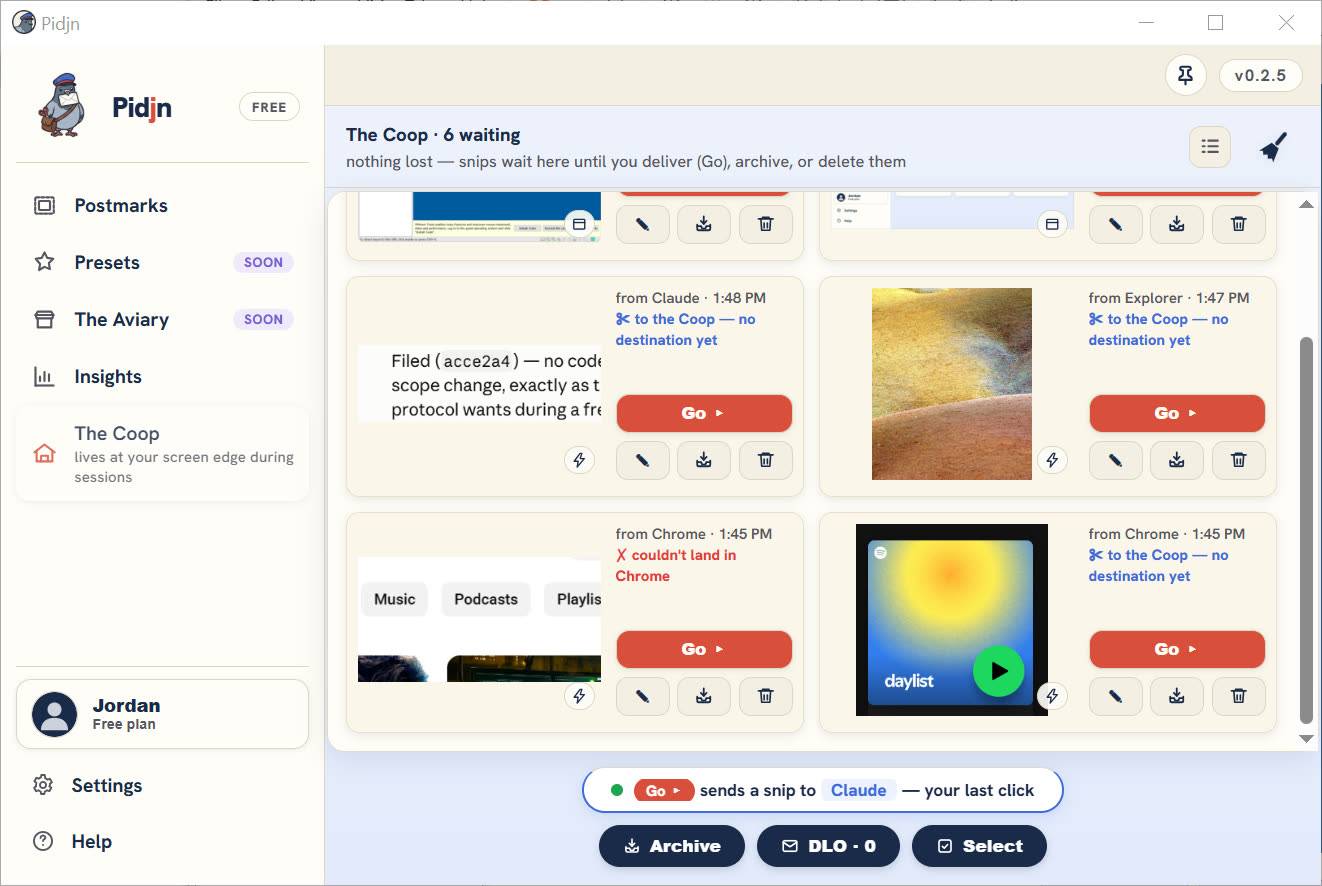
Deliberately not. Pidjn reads the focused field before it delivers. Code editors
and terminals bounce the snip to the Coop, a small holding pen, instead of pasting an
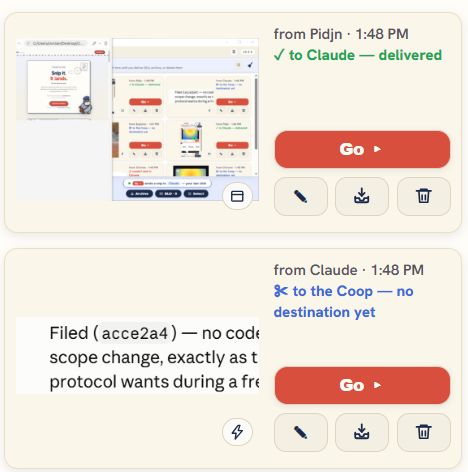
image into your work. Unknown apps get an honest "Unconfirmed" rather than a fake
"Delivered".
Is Pidjn free?
Everything it does today is free, forever. No trial, no ads, no account, nothing
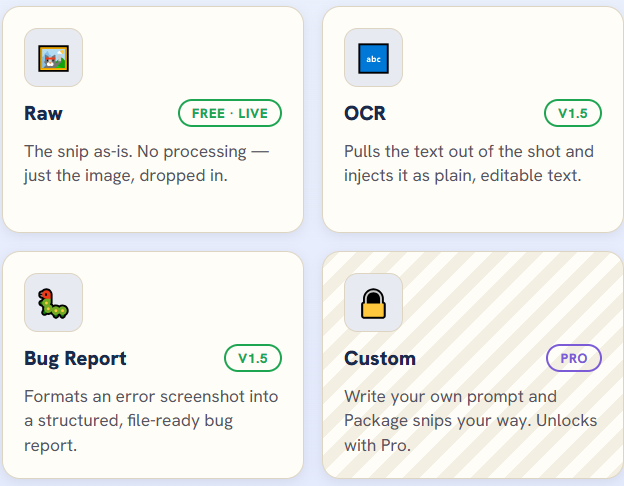
held back. Being straight about the future: the AI features planned for v1.5 (OCR,
Describe, Bug Report, custom prompts) will be a paid Pro tier. The courier you can
download right now stays free regardless. There's also one optional $39 one-time
Founders purchase, capped at 100, which funds the Mac port and includes Pro for
life.
Does Pidjn work on Mac?
Not yet. Windows 10 and 11 today. Mac is the top item on the roadmap and the main
thing the Founders tier exists to fund. Drop your email below and you'll hear when
the bird learns to fly on Mac.
Send a pidjn.
The bird writes rarely: launch news and the big releases, nothing else.
No spam. No credit card. Unsubscribe any time.